
Without an account
These features are available immediately, without signing up.
1,960 exercises with video. Every exercise includes a short video, instructions, and the muscle groups involved.
Combine filters. Set movement pattern, focus, level, body position, and equipment at the same time, such as beginner pull exercises without equipment.
Four views. Grid, list, table, or detail, depending on how you search.
Random exercise and Shuffle. One click for a single surprise, or reshuffle the entire result list.
Movement Patterns. Squat, Lunge, Hinge, Push, Pull, Core, and Locomotion, complemented by Carry, Rotation, and Full Body.
From machine to bodyweight. For common gym machines like the lat pulldown, leg press or pec deck, find matching alternatives using your own bodyweight.
Sports collections. Curated selections for running, tennis, golf, and swimming.
Beginner Guide. A four-week plan to get started.
Push-Up Test. Compare your result with your age group and find suitable easier and harder variations.
Install it as an app. Add the Library to your home screen without an app store. It then opens without the browser bar, ideal for training.
Suggest an exercise. If something is missing, suggest it directly.
What an account adds
Turn 1,960 exercises into your routine. You can find everything without an account.
Collect
Favorites.
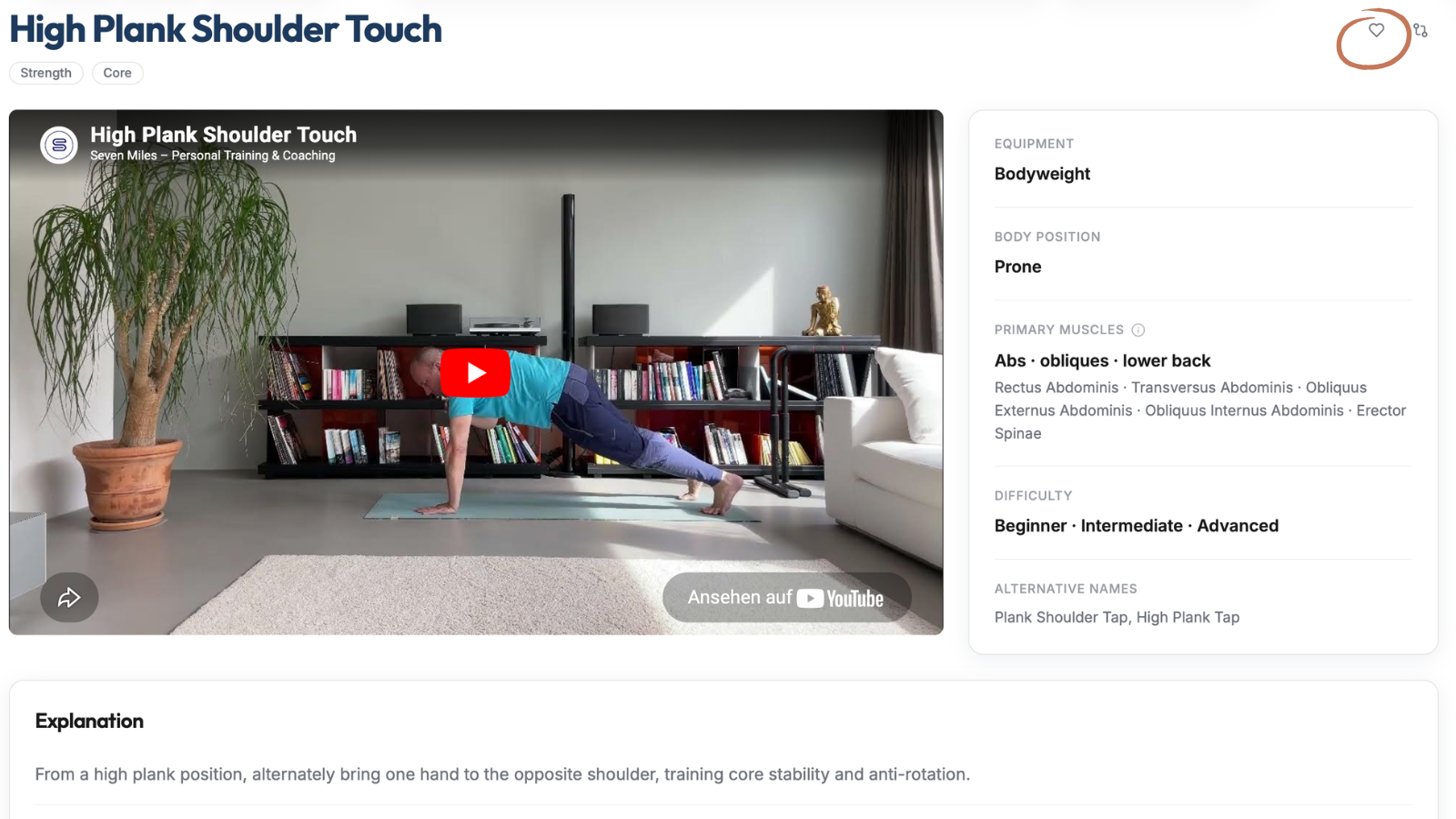
Click the heart and the exercise is saved to your collection. Search, filter, and sort within your favorites.
Lists.
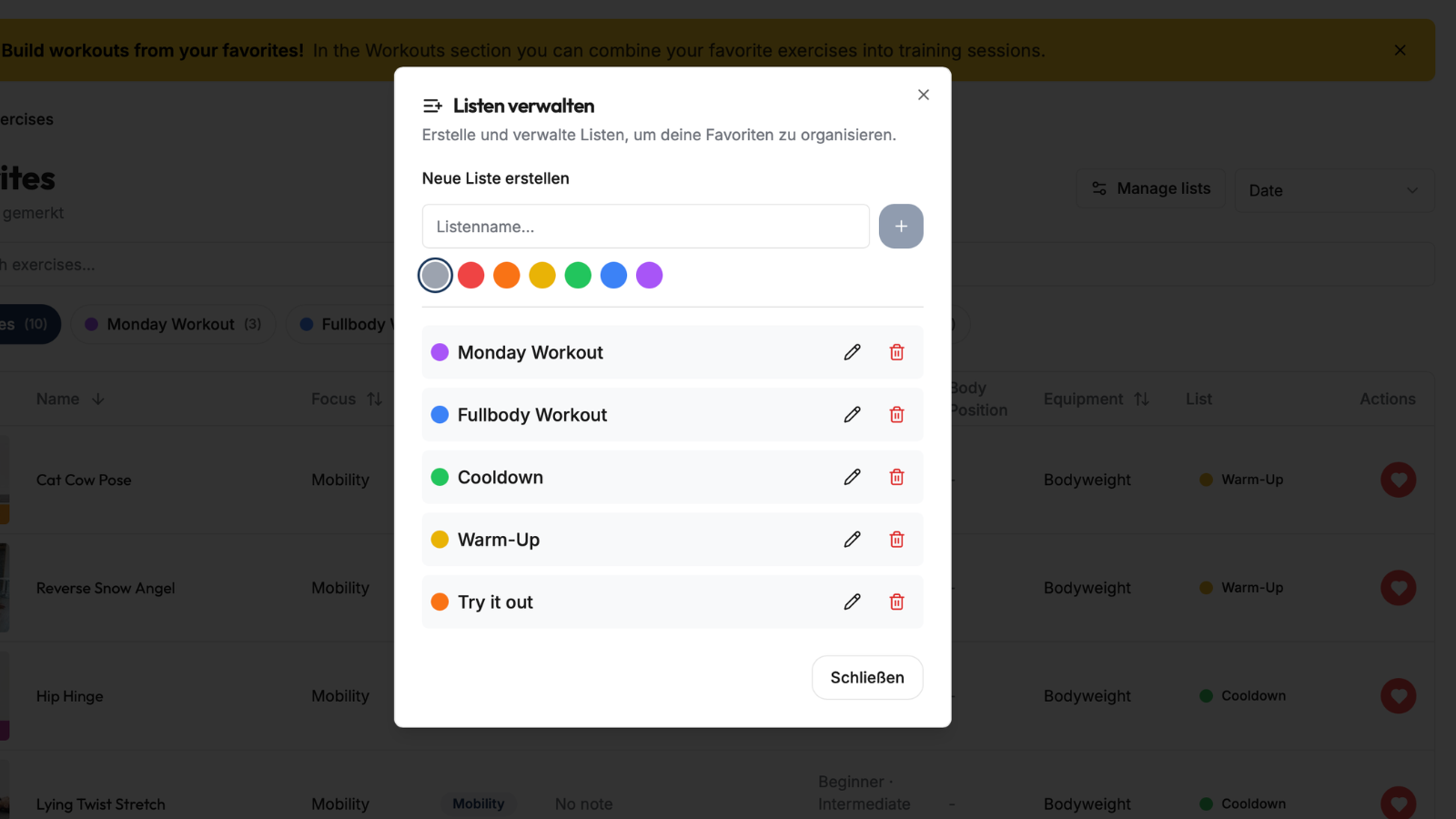
Organize favorites into your own lists. Give them names and colors, and structure training by topic, body region, or plan. Favorites and lists are directly accessible from the sidebar.
Notes.
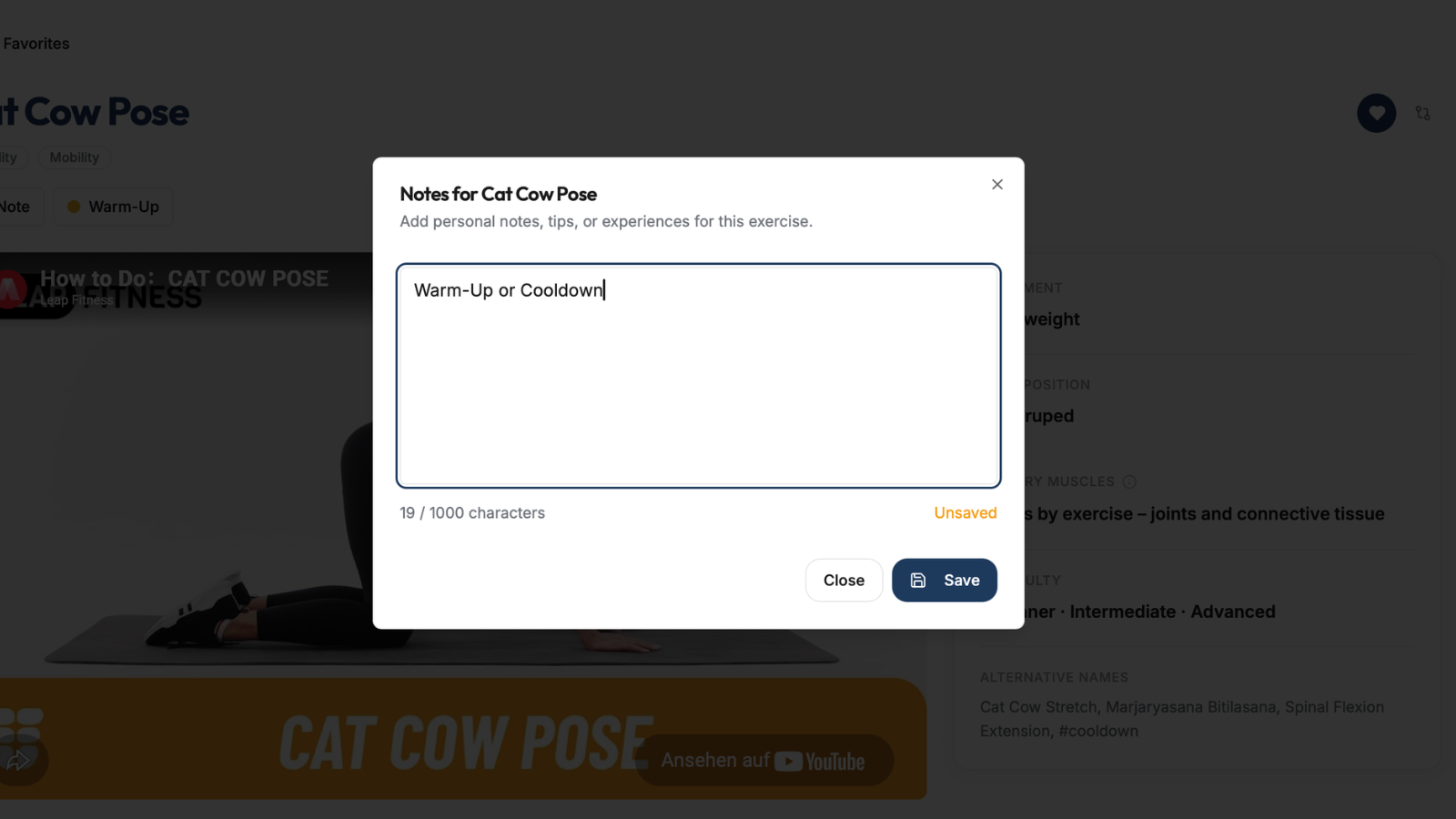
Save tips, variations, experiences, or goals with an exercise. They are there when you return to it.
Exercise comparison.
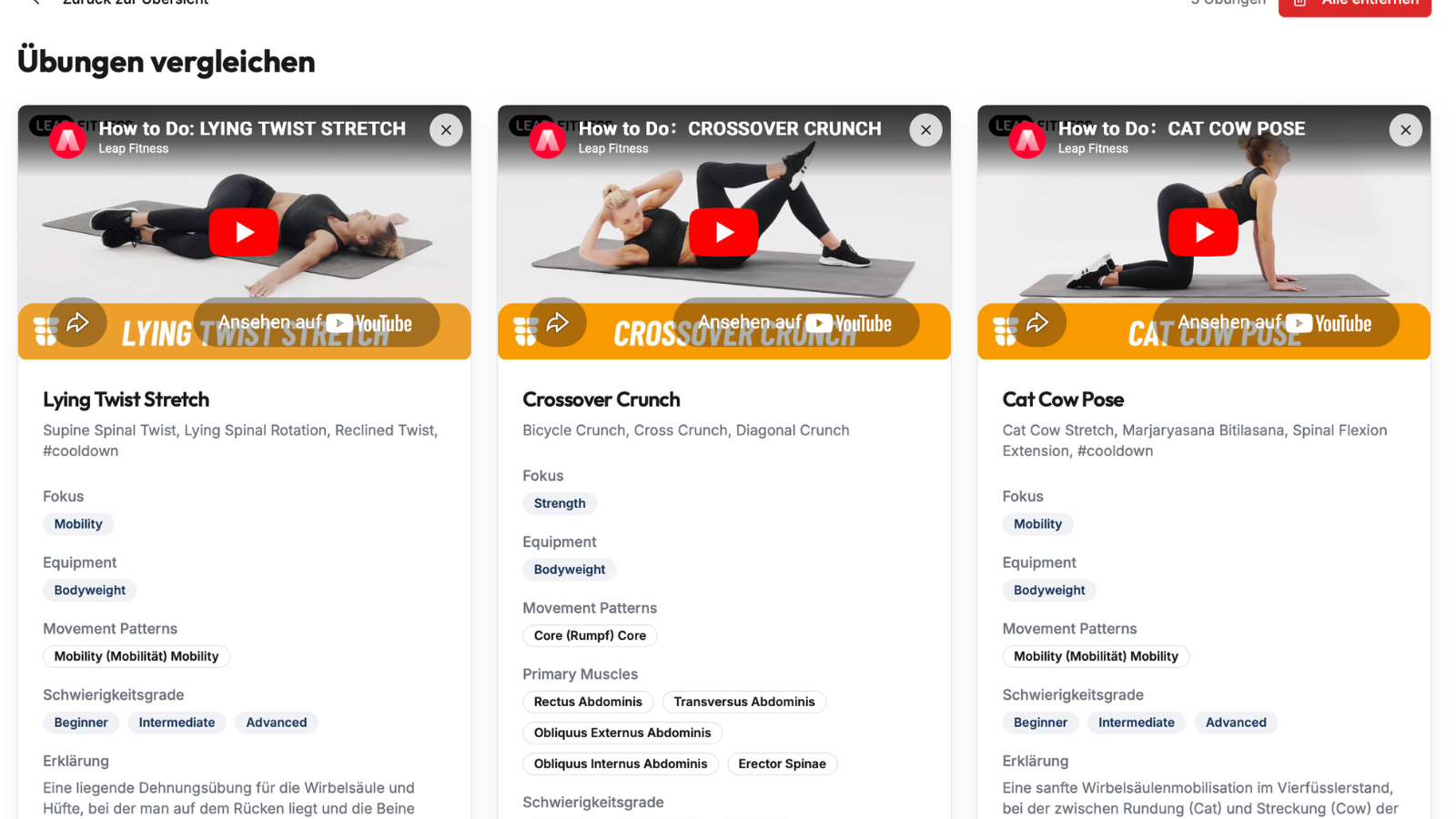
Place up to four exercises side by side and compare focus, level, equipment, and movement pattern at a glance.
Build
Workout Builder.
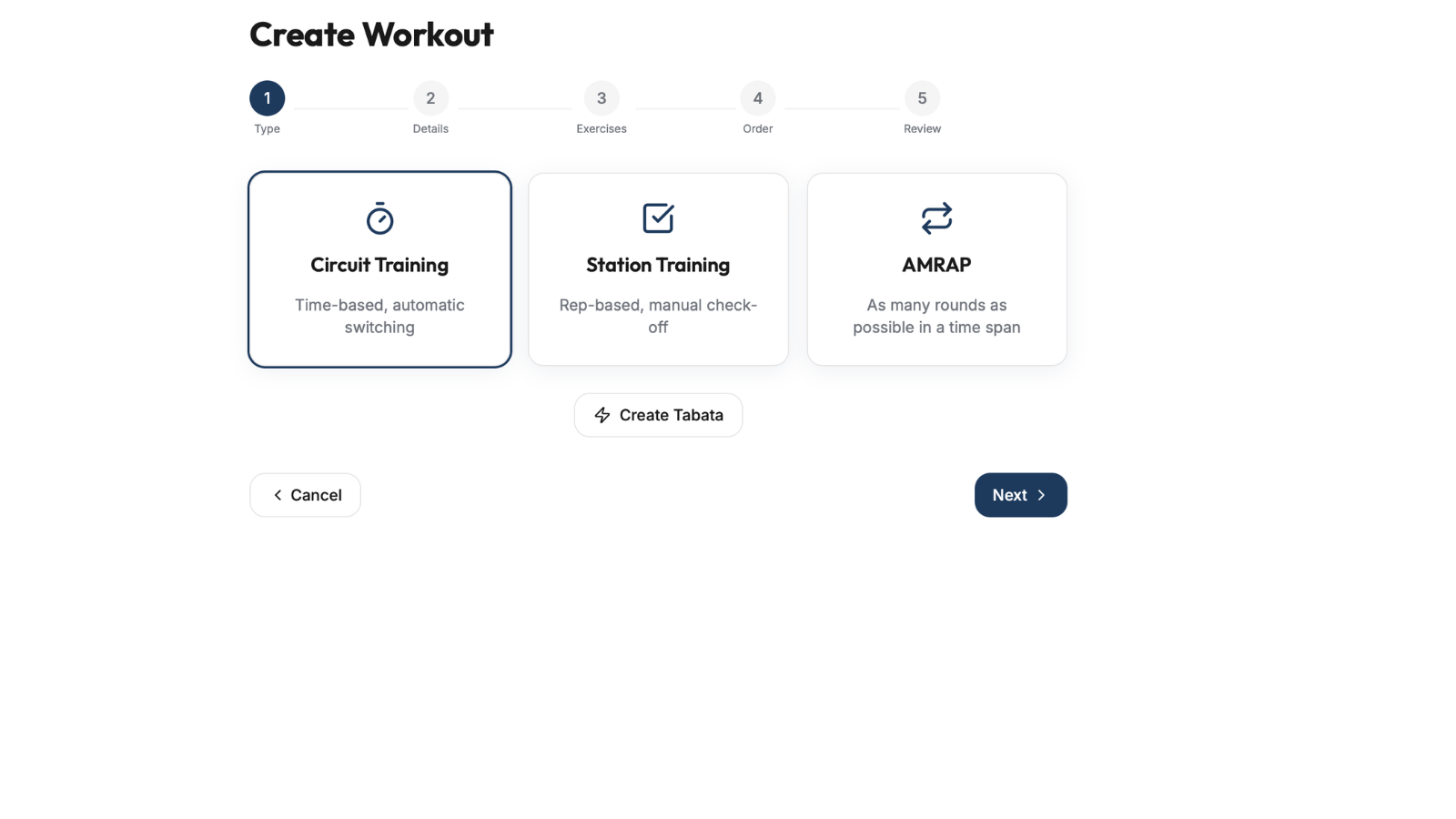
Create your own Circuit, Stations, or AMRAP workouts. Add exercises through search, from favorites, or from a list. Reorder them and set time or repetitions for each exercise. Split the workout into Warm-Up, Training, and Cool-Down. Your finished workout is ready in three steps.
Plan
My fitness calendar.
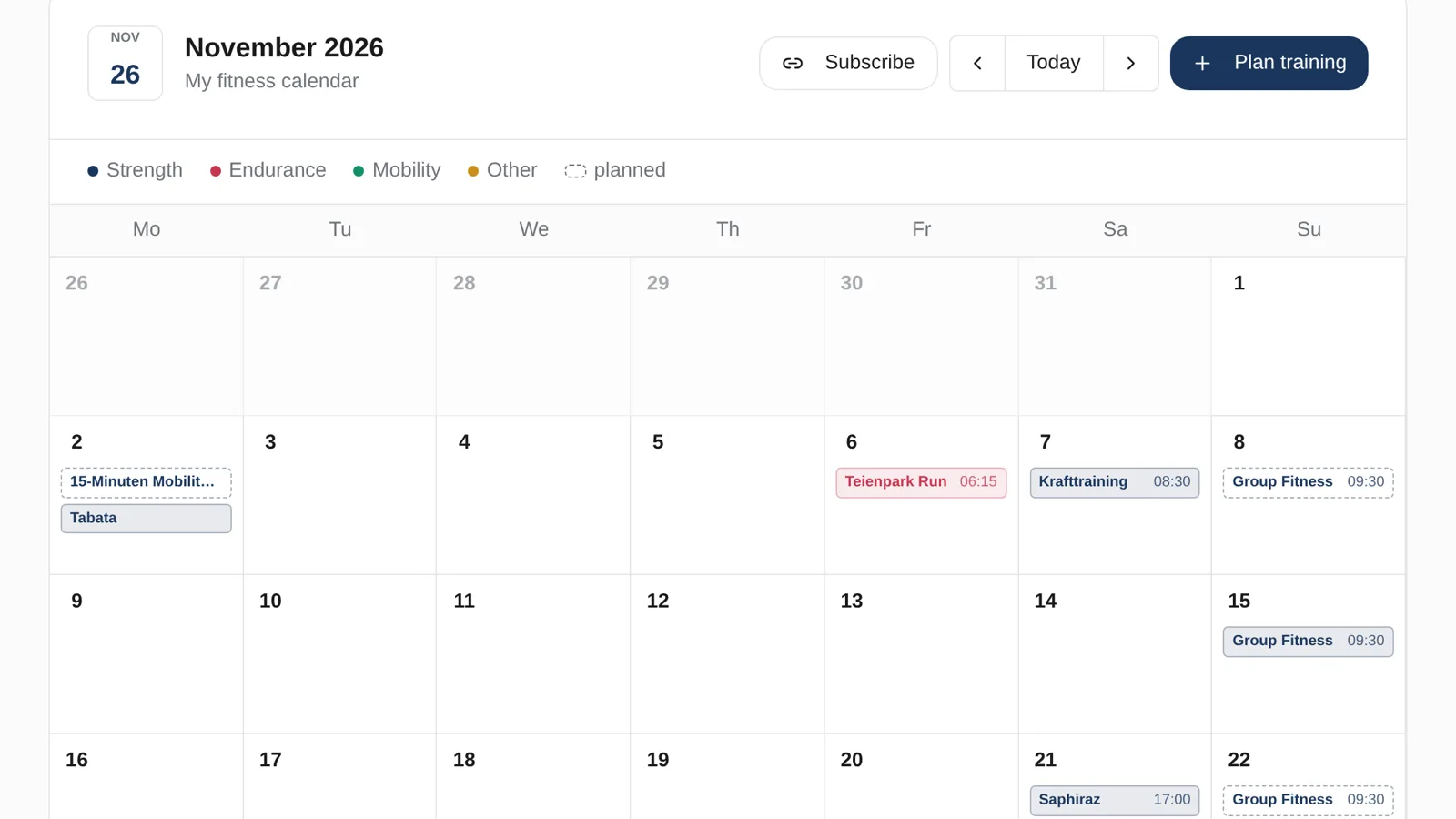
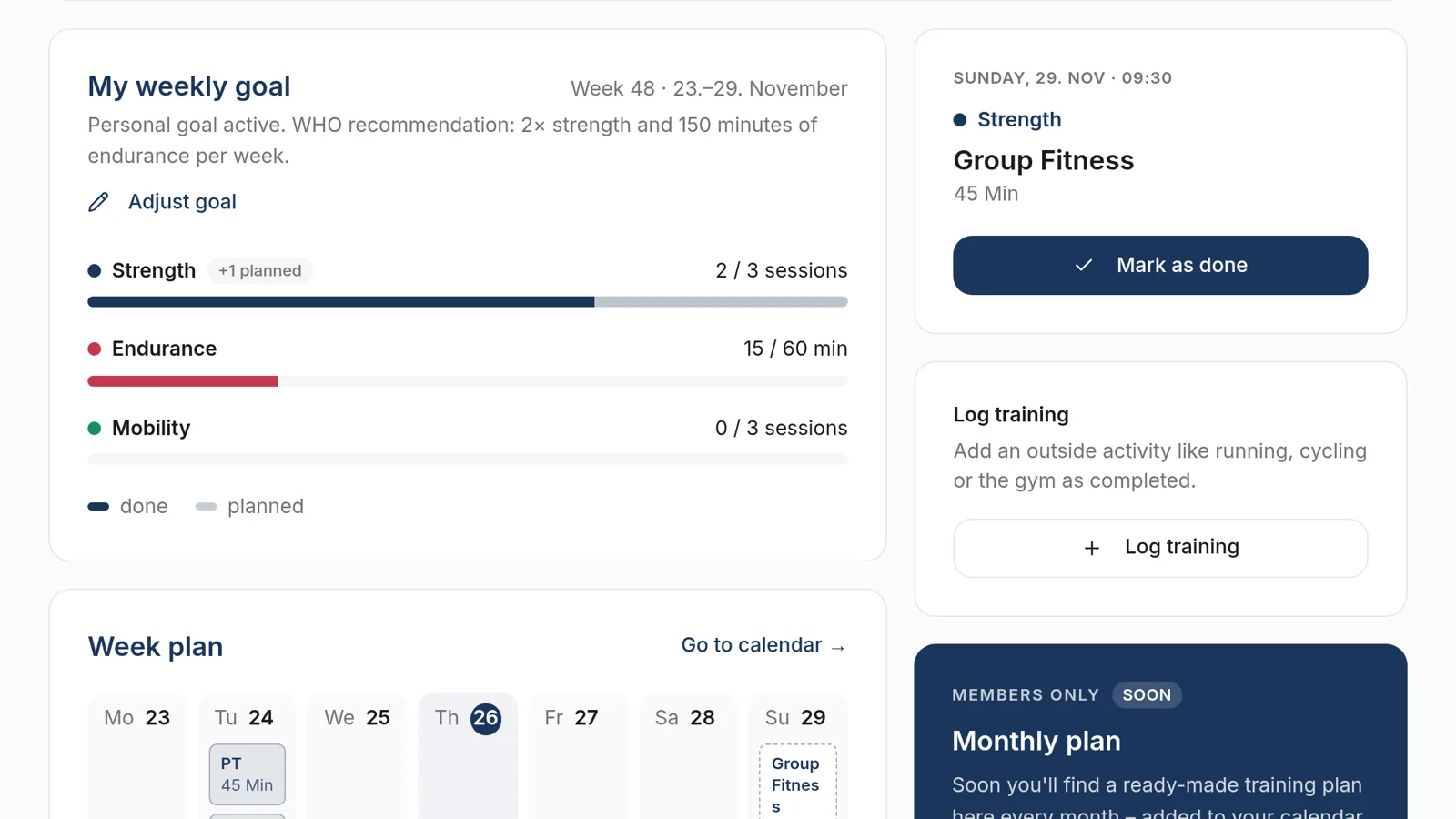
Schedule Library workouts and your own activities for the week. Repeat sessions weekly and adjust planned entries. When you finish a Library workout scheduled for today, its entry is automatically marked as done.
Monthly plans.
View the workouts in a monthly plan and add the sessions directly to your calendar. Turn a training idea into a concrete plan.
Your training in your phone calendar.
Subscribe to your fitness calendar in Apple Calendar, Google Calendar, or another calendar app using a private link. Changes to your planned training appear the next time the subscription refreshes.
Keep going
Training history.
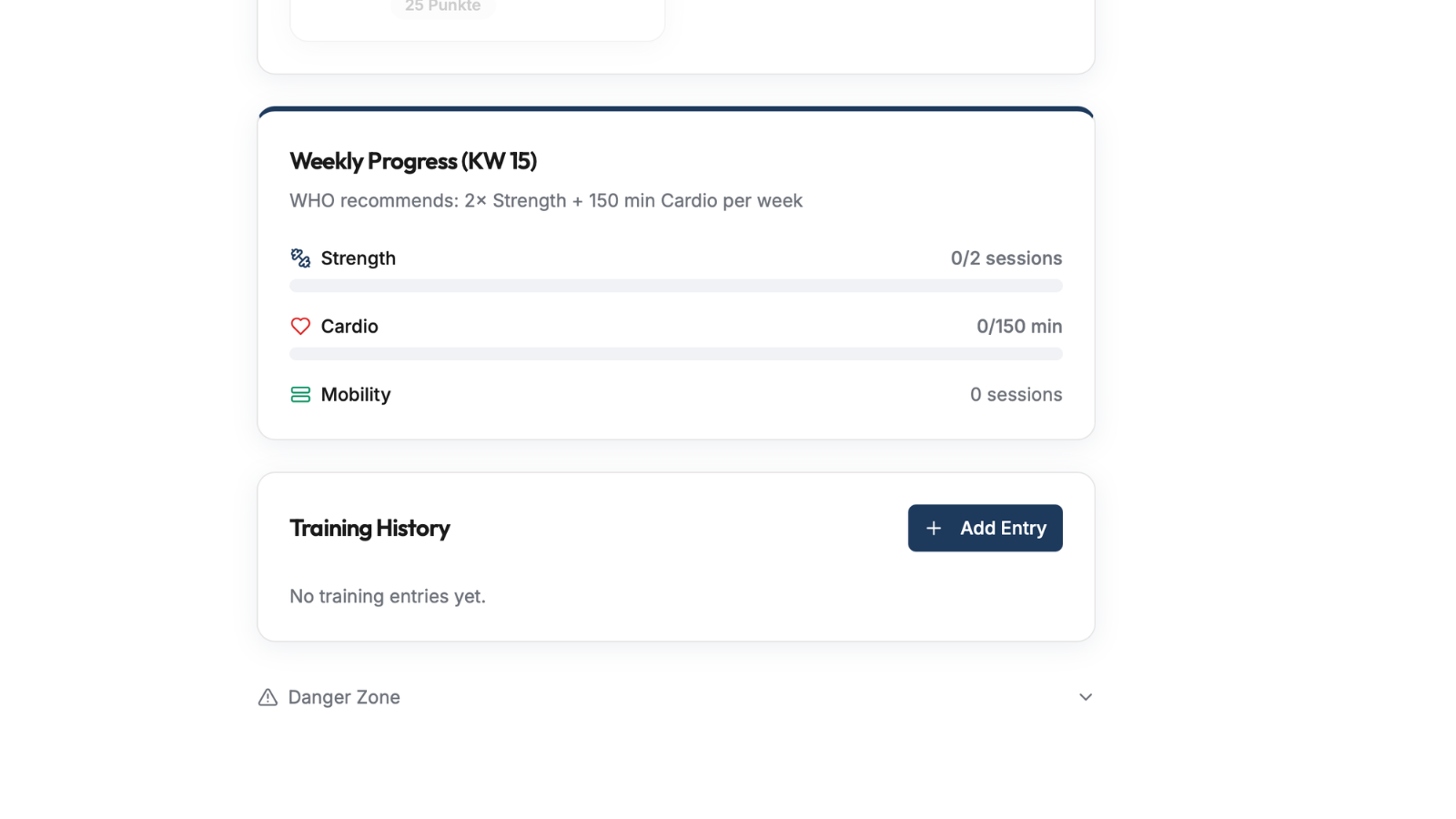
Workouts completed in the Library are recorded automatically. Add activities outside the Library, such as a run or tennis session, manually to complete your week.
Weekly progress.
Use «Adjust goal» in your Cockpit to set how many strength sessions and endurance minutes you aim for each week. The WHO recommendation is the default. Bars show what is done and what is still planned.
Explore more
Ready to get started?
An account takes less than a minute to create. No payment details required.